Skip to content


 Vertical Blinds
 Roman Blinds
 Roller Blinds
 Venetian Blinds
 Day and Night Blinds
 Skylight Blinds
 Children
 Wooden Blinds
 Curtains
 Blinds Accessories
 White
White Yellow
 Gold
Gold Green
Green Grey
Grey Pink
Pink Orange
 Animal
 Floral
 Geometric
 Striped
 Motorized Day and Night Blinds
 Motorized Roller Blinds
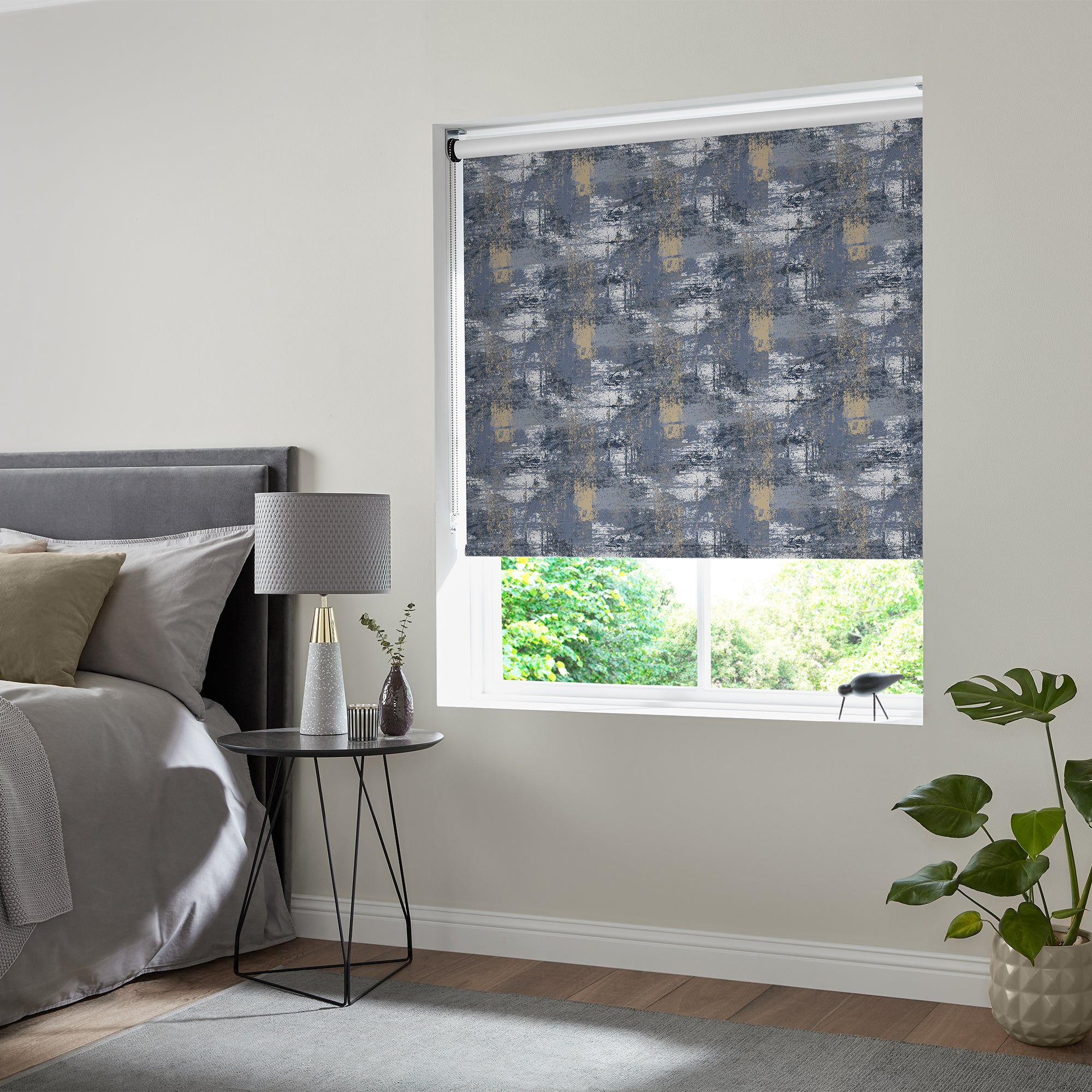 No Drill Rollers
 Perfect Fit Wooden
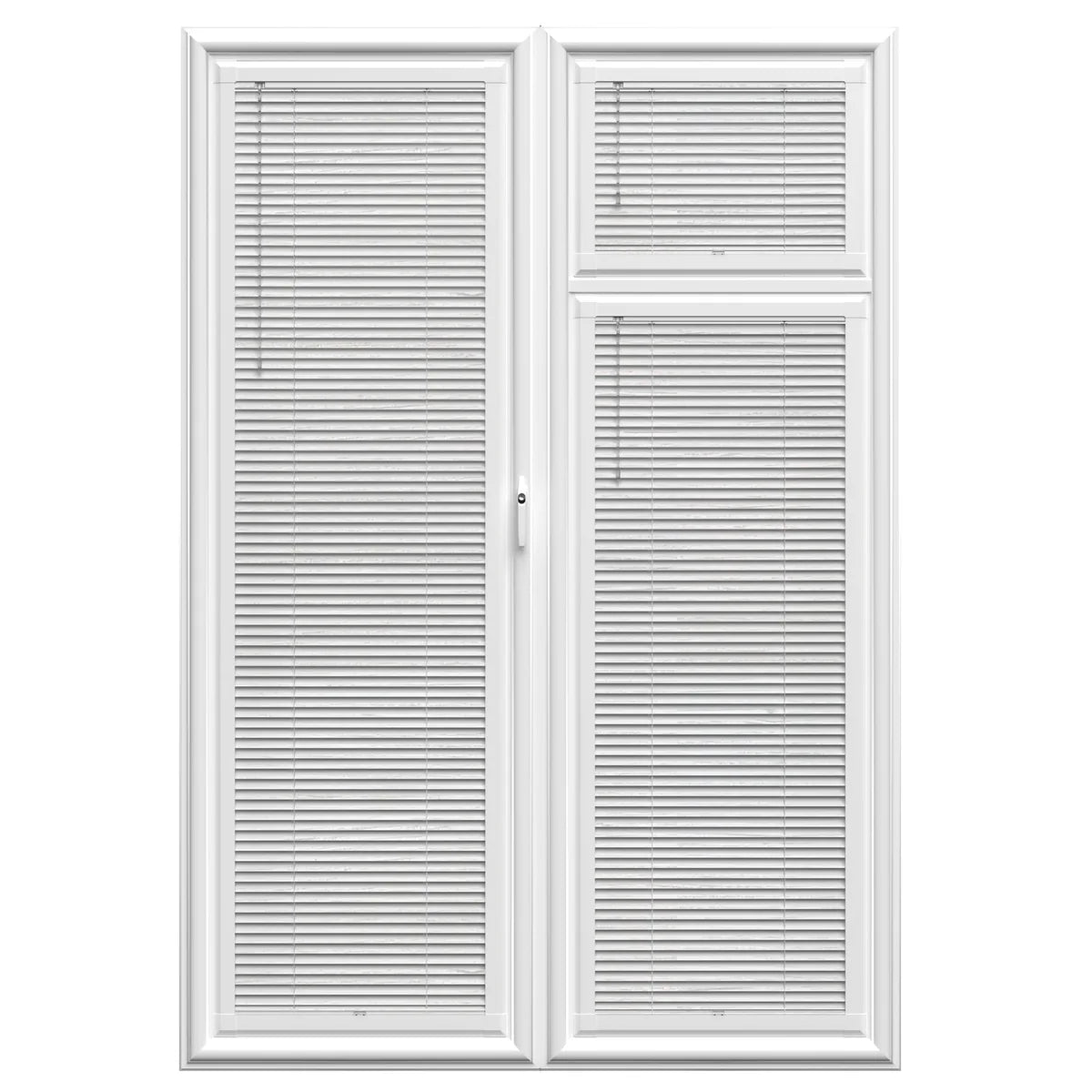 Perfect Fit Metal
 Thermal Blinds
 Better Sleep Blinds
 Cordless Blinds
 No Drill Blinds
 Blackout Blinds
 Waterproof Blinds
 Easy Wipe Blinds
 Taped Blinds
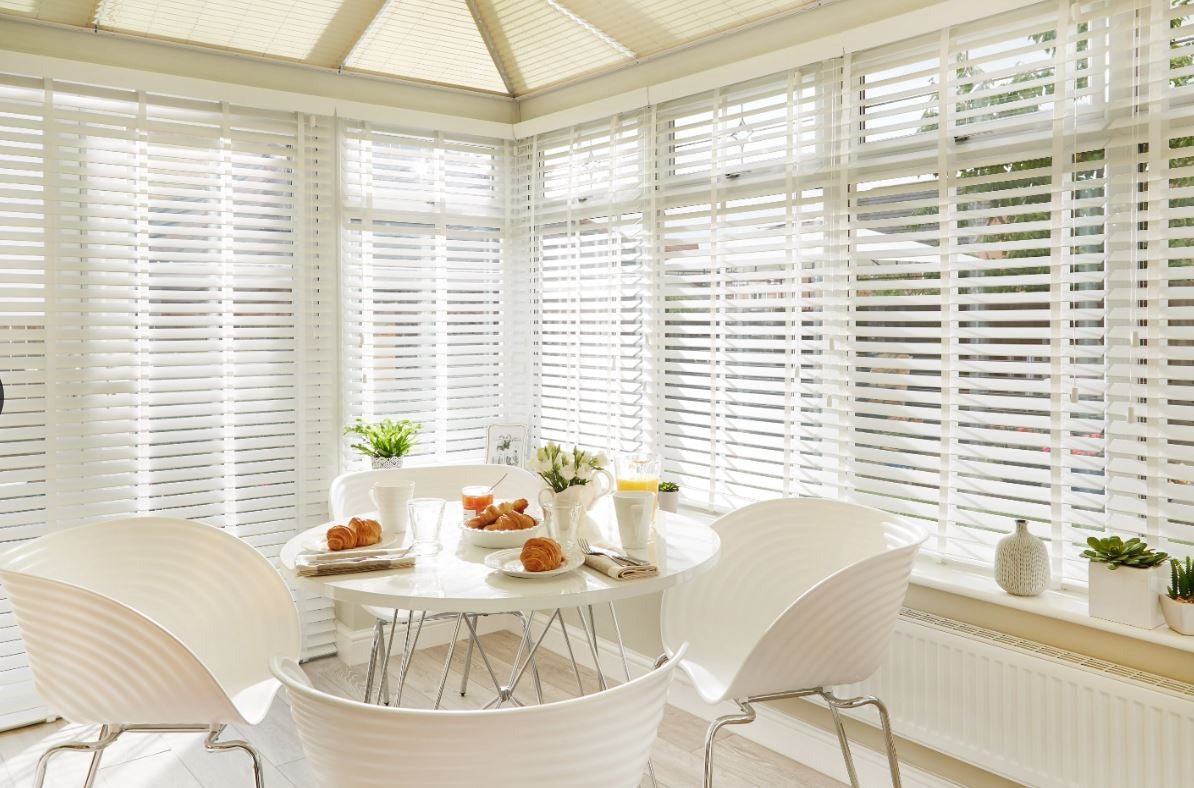 Conservatory
 Office
 Kitchen
 Bathroom
 Dining Room
 Kids Room
 Living Room
 Bedroom
 Bay Window
 Conservatory Window
 Tild and Turn Window
 Bi Fold Window
 Roof of Skylight
 French Door
 Sliding Door
Best Blackout Blinds for Offices and Home Working Spaces
- by Mariam Labadze
 Working from home has become a permanent fixture for millions of UK professionals, yet many home offices still rely on whatever curtains or blinds were already hanging when the desk went in. If you have ever squinted at a washed-out screen during an afternoon meeting, felt the room turn into a greenhouse by midday, or noticed colleagues on a video call staring at the silhouette of your head rather than your face, the solution is often simpler than you think: proper blackout blinds designed for a working environment.
Quick answer: The best blackout blinds for offices include roller blackout blinds for a clean professional look, honeycomb blackout blinds for combined light blocking and thermal insulation, and perfect fit blackout blinds for UPVC windows that need a no-drill solution. Key benefits include eliminating screen glare, creating neutral video call backgrounds, and regulating room temperature throughout the day.
Why Offices Need Blackout Blinds
Screen Glare Is a Productivity Killer
Glare on a computer monitor is not just annoying — it causes eye strain, headaches, and measurable drops in focus. A study by the Health and Safety Executive found that poor lighting and screen glare are among the most common complaints in workplace assessments. In a home office, where you rarely have the benefit of anti-glare partitions or purpose-designed lighting layouts, window glare is often the single biggest visual distraction.
Blackout blindsblock virtually all incoming sunlight, letting you control the room's lighting entirely through desk lamps and overhead fixtures. The result is consistent, comfortable illumination that does not shift as clouds pass or the sun moves across the sky.
Video Call Backgrounds
Bright windows behind you turn your face into a dark shadow on camera. Most webcams cannot handle the contrast between a sunlit window and your relatively dim face, so they either expose for the window (making you invisible) or expose for you (blowing out the background into blinding white). Blackout blinds solve this instantly by neutralising the window as a light source, giving you an evenly lit background that looks professional on Zoom, Teams, or any other platform.
Temperature Regulation
South and west-facing home offices can become uncomfortably hot during spring and summer. Glass amplifies solar heat gain, and a room full of electronic equipment already generates warmth of its own. Blackout blinds — particularly those with thermal backing or honeycomb construction — act as an insulating barrier, reflecting heat back outside in summer and retaining warmth in winter. This can reduce your reliance on air conditioning or electric heaters, cutting energy bills in the process.
Noise Reduction
While no blind replaces proper acoustic treatment, heavy blackout fabrics and cellular honeycomb structures do dampen external noise to a noticeable degree. If your office faces a busy road or a neighbour's garden, the additional sound absorption provided by a quality blackout blind can make a meaningful difference during phone calls and focused work.
Best Types of Blackout Blinds for Offices
Roller Blackout Blinds
Roller blindsin blackout fabric are the most popular choice for offices because of their clean, minimal aesthetic. They sit flat against the window, take up almost no space, and retract fully to let light in when you want it. For a home office, a plain white, grey, or charcoal roller blind provides a neutral backdrop that suits any decor and looks tidy on camera.
When choosing a roller blackout blind for an office, opt for a face-fix installation with 50–70 mm of overlap beyond the window recess on each side. This eliminates the narrow light gaps that recess-fitted blinds sometimes leave, ensuring true blackout performance when you need it.
Honeycomb (Cellular) Blackout Blinds
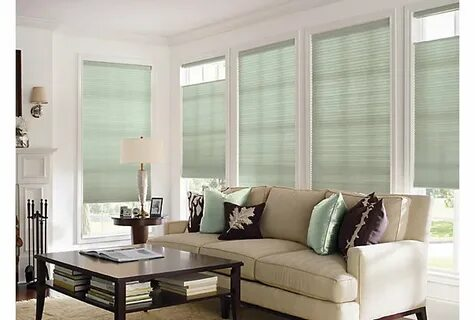
Honeycomb blinds feature a distinctive cellular structure — rows of hexagonal tubes that trap air between the window and the room. This design provides the best thermal insulation of any blind type, which makes them particularly valuable in home offices where you are heating or cooling a single room for long stretches of the day.
Theno-drill honeycomb blackout blindsfrom 1ClickBlinds combine blackout performance with thermal efficiency and a tool-free installation — ideal if you do not want to drill into your window frames.
Perfect Fit Blackout Blinds
If your office has UPVC windows, perfect fit blackout blinds clip directly onto the window beading with no drilling required. They sit within the glass pane area, leaving the window sill free for desk accessories, plants, or speakers. Because they are attached to the glass unit rather than the frame, tilt-and-turn windows can still be opened for ventilation without disturbing the blind.
Day and Night Blinds
Day and night blindsuse alternating bands of opaque and sheer fabric that you can align to switch between filtered light and near-blackout. They are an excellent office option if you want flexibility throughout the day — sheer for gentle morning light during emails, opaque when the sun swings round and hits your screen.
Vertical Blackout Blinds
For wider windows or patio doors that double as office windows,vertical blindsin blackout fabric offer easy side-to-side adjustment. You can pull them fully open to flood the room with light, close them completely for blackout, or angle theslatssomewhere in between.
Choosing the Right Colour for Your Office
Colour matters more in an office than you might expect. Dark-coloured blackout blinds absorb heat and can make a small room feel enclosed. Light-coloured blinds reflect more sunlight away from the room and create a brighter, more spacious atmosphere — even when fully closed.
For video calls, a mid-tone grey or soft white provides the most neutral, professional background. Avoid stark white, which can cause a cold, clinical appearance on camera, and very dark tones, which may make the room look dim even with good lighting.
Motorised Blackout Blinds for the Modern Office
If your office setup involves multiple monitors, standing desks, or a layout where reaching the window is awkward,motorised blindslet you raise and lower your blackout blinds with a remote control, a wall switch, or a smartphone app. Some motorised blinds integrate with smart home systems such as Alexa and Google Home, allowing you to set schedules — blinds down at 2 pm when the afternoon sun arrives, blinds up again at 5 pm when you finish work.
Installation Considerations for Office Windows
Before ordering, consider whether your office has any features that affect blind choice:
-
Multiple monitors near the window — face-fix with wide overlap prevents light creeping around the edges
-
Tilt-and-turn windows — perfect fit orno-drill blindsallow full window operation
-
Shared spaces —cordless blindskeep the area safe and tidy
-
Rented accommodation — no-drill options avoid damage to landlord fittings
Maintaining Blackout Blinds in a Work Environment
Office blinds tend to accumulate dust faster than bedroom or living room ones simply because they are adjusted more frequently. Wipe roller blinds with a lightly damp microfibre cloth every fortnight. For honeycomb blinds, use a vacuum with a soft brush attachment on the lowest setting to clear dust from the cells. Avoid pulling the fabric with wet or greasy hands — hand oils can leave marks on lighter fabrics over time.
Frequently Asked Questions
Do blackout blinds make a room too dark to work in?
Not at all. Blackout blinds give you control over lighting. You close them to eliminate glare when working at a screen and open them when you want natural light. Many home workers close them only on the sun-facing window while leaving others open, striking a comfortable balance.
Are blackout blinds worth it for a home office?
Yes. They reduce screen glare, improve video call quality, lower energy costs by insulating the room, and create a more professional working environment. For anyone spending five or more hours a day at a screen, they are one of the most cost-effective upgrades you can make.
What is the difference between blackout and dimout blinds?
Blackout blinds block 99–100% of incoming light. Dimout blinds block around 85–95%, allowing a soft glow to pass through. For office use where screen glare is the main concern, blackout is the better choice. Dimout can work if you simply want to take the edge off strong sunlight without darkening the room completely.
Can I use blackout blinds in a commercial office?
Absolutely. Roller and vertical blackout blinds are standard in commercial offices across the UK. They meet fire safety regulations when manufactured from FR-rated fabrics, and they can be ordered in bulk with consistent colours and sizes. Check that the fabric carries the appropriate fire rating for your building's requirements.